Participant Lists & Entries

See who is entered, by division or by location.

Tournament & League Software
More R2 Sports Software

Participant Lists

See who is entered, by division or by location.

Last updated November 3, 2026
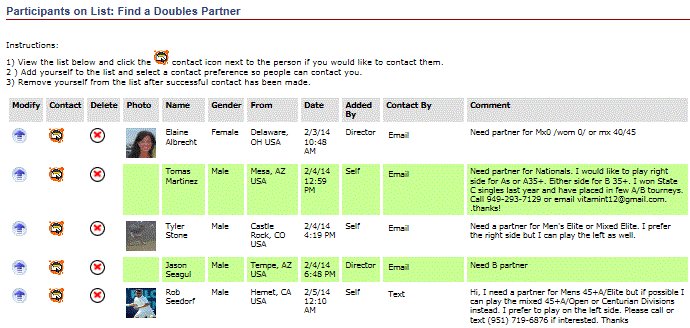
Participant Lists & Entries screen in R2 Sports

Click the screenshot to enlarge

Instructions

Step 1

Open the participant lists.

See This Screen

Step 2

Pick a view: division, club, school, city, state or country.

Divisions and Entry Rules Guide

Step 3

Print the list for your desk, or share it on your event website.

Your Event Website Guide

Step 4

Choose whether the public can see it.

See This Screen

Good to know: Check these lists before you build brackets.

Related guides

All Participant Guides

View All

Managing Participants

View Guide

Finding Players

View Guide

Pairing Doubles Partners

View Guide

See It in Action

Try the R2 Sports demo free. No credit card needed.

Try It Free   See Pricing

Demo Software

Start Free Demo

Purchase

Buy Software

Advertise

View Packages

System Login

Access Account

Learning Hub

Watch Videos

Event Portal

Find Events | Featured